Every event internet inquiry we get comes down to the same question: Starlink or cellular? The honest answer is that the venue decides most of it, and the rest is about what you are running on the connection. Here is how we sort it, the same way we do on a quote.
Start with the sky
Starlink needs a clear view of open sky. A tripod on a lawn, a parking lot, a patio, a rooftop, or a loading dock with a window works. Heavy tree cover directly overhead causes dropouts, and a ballroom or a convention hall floor has no sky at all. If you can put the dish outside within a cable run of where the devices live, Starlink is the simplest kit we ship: it arrives preconfigured, sets up in about 10 minutes with the free app, and needs no account and no technician.
Bonded cellular is the indoor answer. The kit combines two carriers, for example Verizon and T-Mobile, into one connection and fails over automatically if one of them degrades. It lives on a table, needs an outlet, and works deep inside a venue where a satellite dish cannot go. It is also the safer pick in dense downtown footprints where one carrier's tower is already saturated.
Then count what is on it
- Registration, lead capture, photo delivery, and point-of-sale use very little bandwidth. What they need is a connection that does not drop. Either kit handles this; the venue decides which.
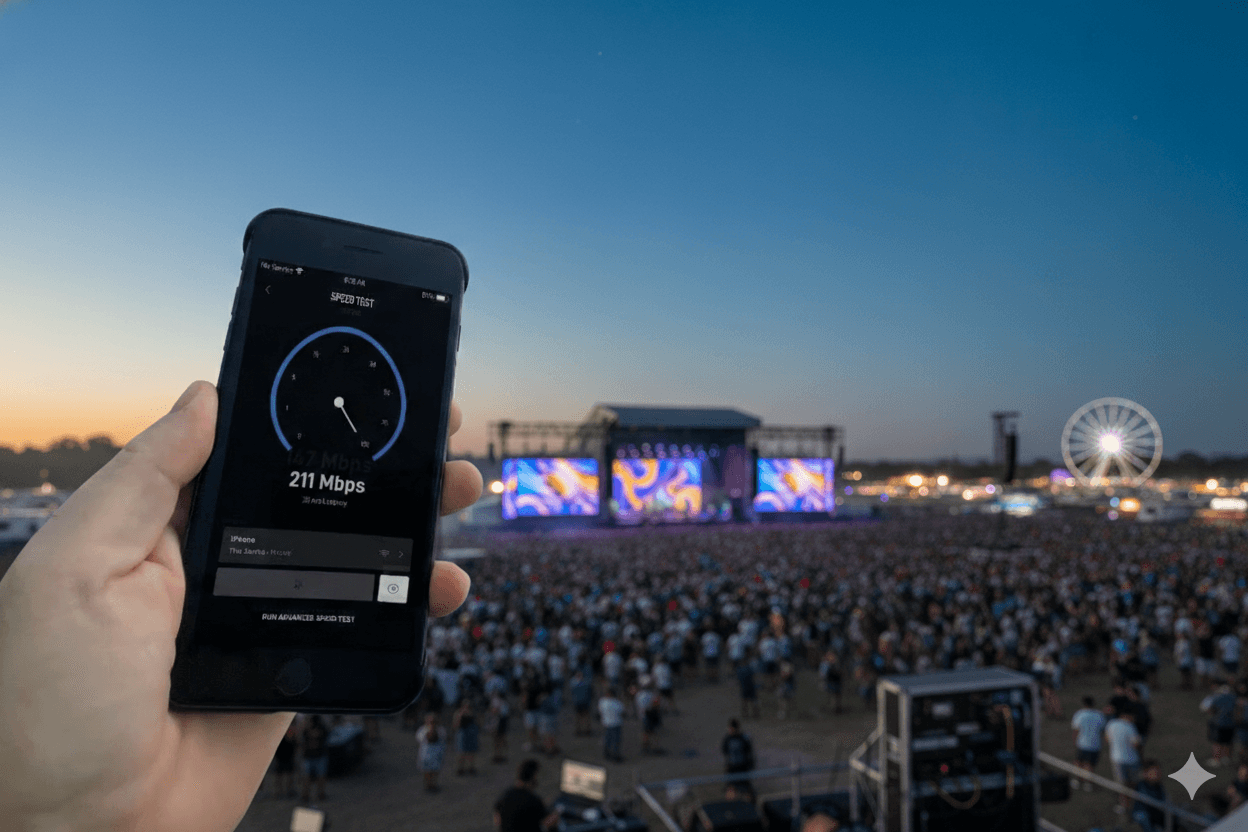
- A 1080p livestream needs roughly 5 to 8 Mbps of upload, sustained. Starlink with open sky delivers well above that on a priority plan. Bonded cellular can too, but upload is the first thing a crowded cell network gives up, so we size it against the crowd.
- Staff and guest Wi-Fi across a tent, a house, and a lawn is a coverage problem, not a bandwidth problem. One Starlink kit plus one or two outdoor access points, mapped to the site plan, covers it without staff.
- Multi-zone footprints, where a second building or a far corner needs its own signal, get a second kit rather than a longer cable.
Data: how much is enough
Our Starlink kits include 50 GB of priority data per week, and extra blocks are cheap to add. For scale: a full football game streamed in HD uses roughly 3 to 5 GB, and a day of kiosks, registration, and phones at a tent uses a fraction of that. A 24/7 multi-day broadcast is the only common case that needs sizing up, and we do that on the quote rather than mid-event.
When you need both
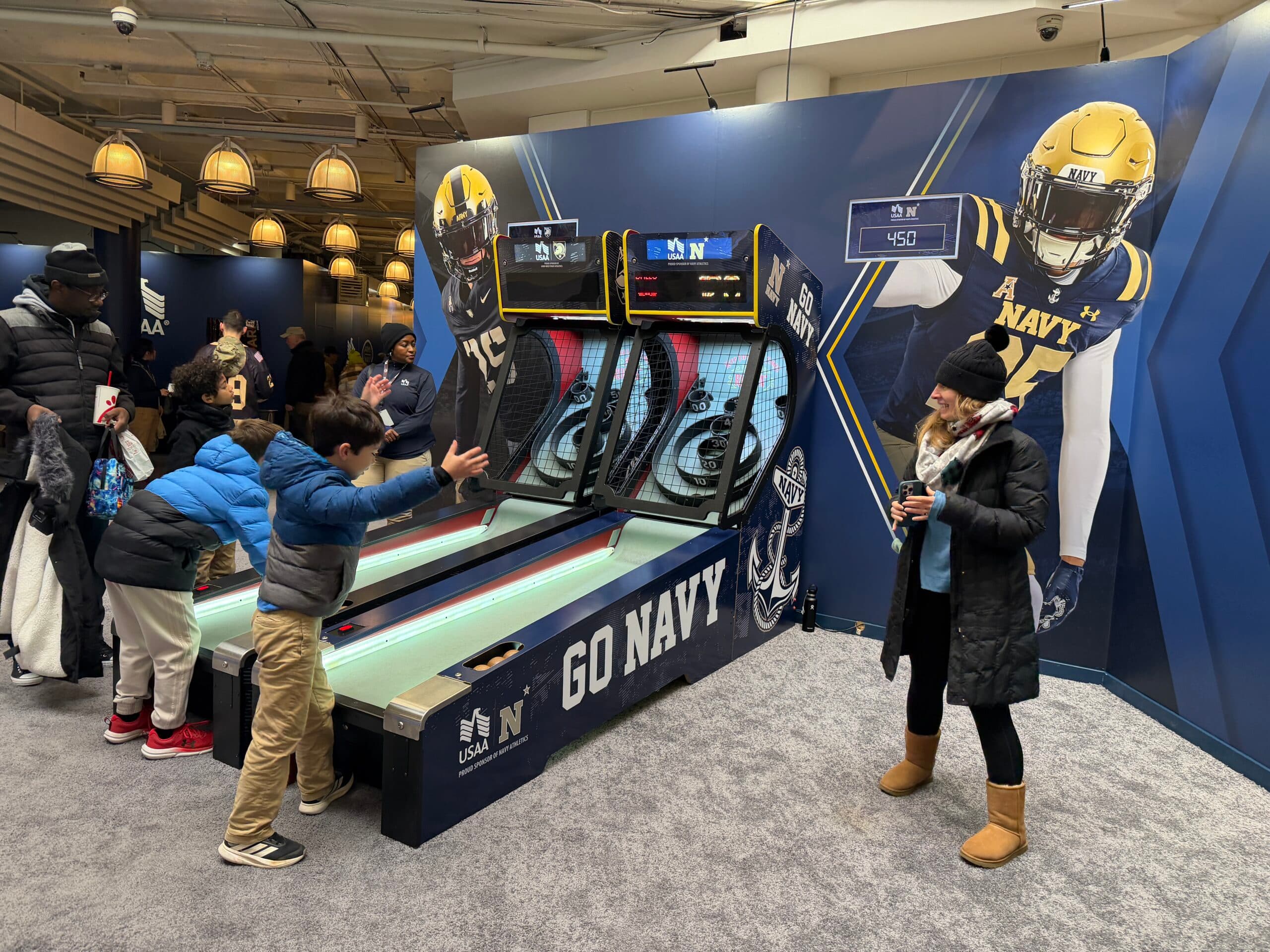
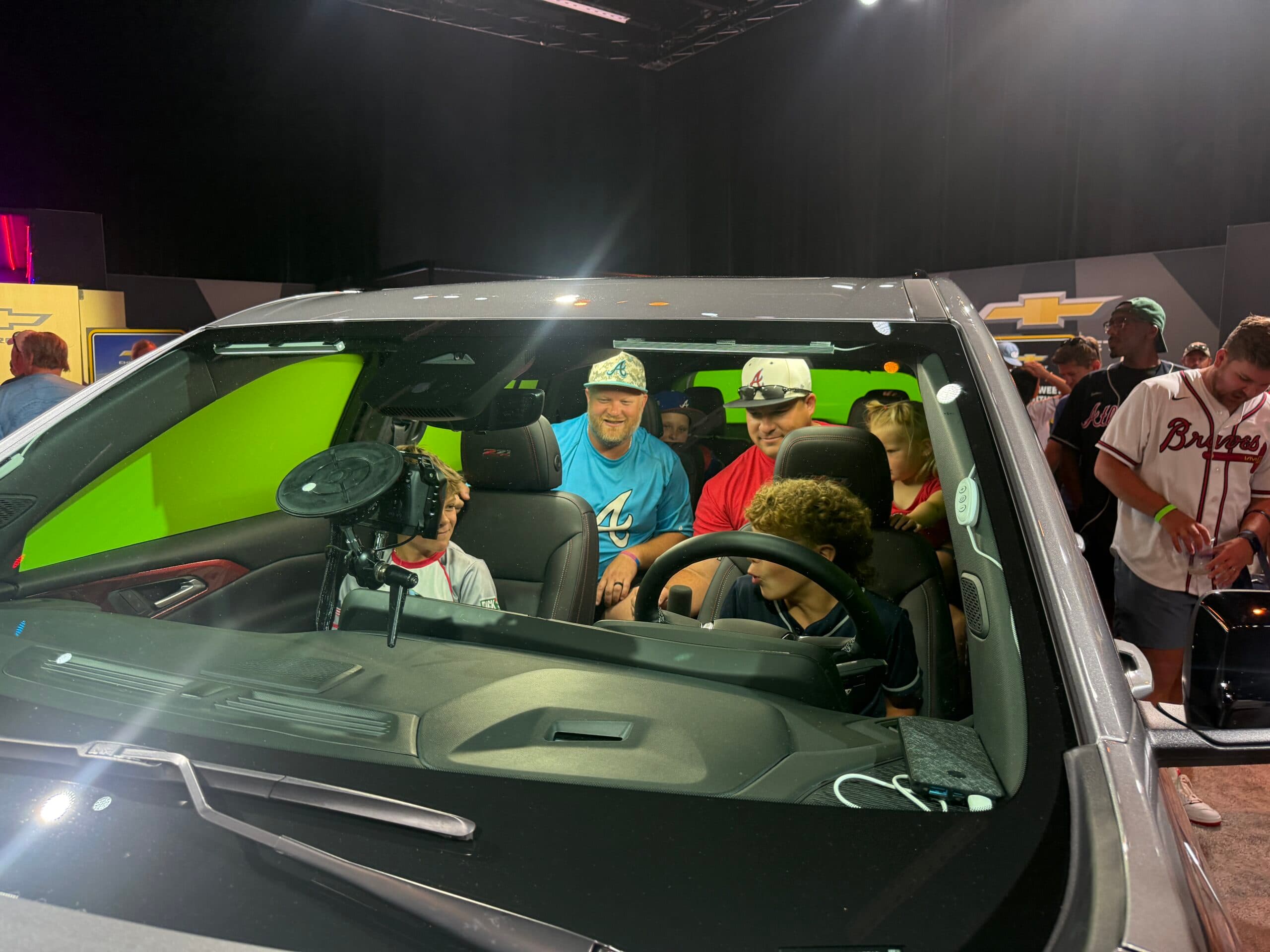
A paid livestream, a broadcast feed, or a sponsor activation the client is standing next to gets a second path. The standard setup is a Starlink kit with a bonded cellular kit as failover, so the stream keeps going if a cloud bank or a crowd surge takes one path down. At the Army-Navy Game we ran eight Starlink units with built-in redundancies across the footprint for a sold-out stadium, the worst case for connectivity. At the All-Star Game fan fest, Starlink carried five activations and 2,856 delivered outputs from corners of the venue where the house Wi-Fi had already given up.
The three setups we quote most
- One Starlink kit, self-run. Outdoor or open-sky sites: tailgates, tournaments, weddings on estates, film locations, mobile tours. Ships next business day.
- One bonded cellular kit, self-run. Indoor venues: trade show booths, ballrooms, conference lounges, downtown pop-ups. Sized to the device count.
- Starlink plus cellular failover, with or without a PivotXP tech. Livestreams and sponsor footprints that cannot drop.
If you are not sure which one you have, send two photos: where the devices will sit, and the nearest spot with open sky. We will tell you which kit, and whether you need one at all.