
Starlink, self-run
$350 / week
Outdoor services, tailgates, tournaments, field days, graduations. Open sky, a tripod, a power station, and you are streaming in about 10 minutes. The most common livestream rental.
Details →Livestream Internet · Starlink · Bonded Cellular · Both
A stream needs sustained upload, not a fast speed test. Starlink from $350 per week outdoors, bonded cellular from $1,500 per week indoors, and both on one router when the feed cannot drop. Ethernet to the encoder, shipped to the site, supported during the show.
$350 / week
Outdoor services, tailgates, tournaments, field days, graduations. Open sky, a tripod, a power station, and you are streaming in about 10 minutes. The most common livestream rental.
Details →$1,500 / week
Keynotes, product reveals, and hybrid sessions indoors where the dish has no sky. Two carriers bonded so the upload holds when the room fills with phones.
Details →Quoted
Paid streams, broadcast feeds, sponsor keynotes. Both kits on one router with automatic failover, self-run with our layout or with a PivotXP tech on site.
Details →Most streams that fail miss one of these. None of them are hard.
Know your upload number
Check the encoder's output bitrate. 1080p is usually 5 to 8 Mbps. Tell us that number and we size the kit to hold it with headroom.
Wire the encoder
Stream computer and switcher on Ethernet. Everything else on Wi-Fi. A phone backing up photos on the stream network is how feeds die.
Place the source
Starlink: the widest open sky on the property. Bonded: antennas where the guide shows, after we check carrier coverage at the venue.
Test from the real spot
Ask for the kit a few days early. Run the full stream from where the camera will sit, not from the hotel room.
Decide on failover
If the stream is paid, sponsored, or broadcast, add the second path. If it is a service or a tournament, one kit and a plan to restart is usually fine.
Name the person
One person owns the kit, has the field guide, and has our support line. Most fixes are a re-aim, a cable, or a power cycle and take minutes.
The long version is in what a Starlink kit needs on site and Starlink vs. bonded cellular for events.
Starlink or bonded cellular?
Open sky
Starlink. Cheapest, simplest, and the most common rental.
No sky
Bonded cellular. Two carriers combined into one connection, failover built in.
Stream, broadcast, or sponsor footprint that cannot drop
Both on one router. One path fails, the other carries the feed.
Not sure
Send two photos: where the devices will sit, and the nearest spot with open sky. We will tell you which kit, or whether you need one at all.
| Starlink kit | Bonded cellular kit | |
|---|---|---|
| Where is the event? | Outdoors or anywhere with open sky: lawns, lots, fields, patios, rooftops | Indoors with no sky: ballrooms, convention halls, hotel meeting rooms, dense downtown blocks |
| Can you put a dish outside within a cable run? | Yes. The dish goes on a tripod with sky view and the cable runs back inside | No. Nowhere to put a dish, or the dish would be under trees, a tent, or a tall building |
| What is it carrying? | Livestreams, registration, kiosks, photo delivery, guest Wi-Fi for a tent or a tailgate | The same things, plus trade show booths, conference rooms, and POS where the house network cannot be trusted |
| Setup | About 10 minutes with the free Starlink app. No account, no technician | A few minutes: plug in, place the antennas where the guide shows, connect by Ethernet or Wi-Fi |
| Price | $350 per week, 50 GB of priority data included | $1,500 per week, data plan sized to the job |
Longer version with the numbers behind it: Starlink vs. bonded cellular for events.
Event internet
Starlink rental →
Outdoor and open-sky sites, $350/week, self-setup
Bonded cellular rental →
Indoor venues and city sites, $1,500/week, two carriers in one
Conference Wi-Fi →
Hotel ballrooms and meeting rooms when the house network is not enough
Trade show booth internet →
Demo kiosks, lead capture, and POS on the show floor
All event internet options →
Compare kits, failover setups, and on-site support
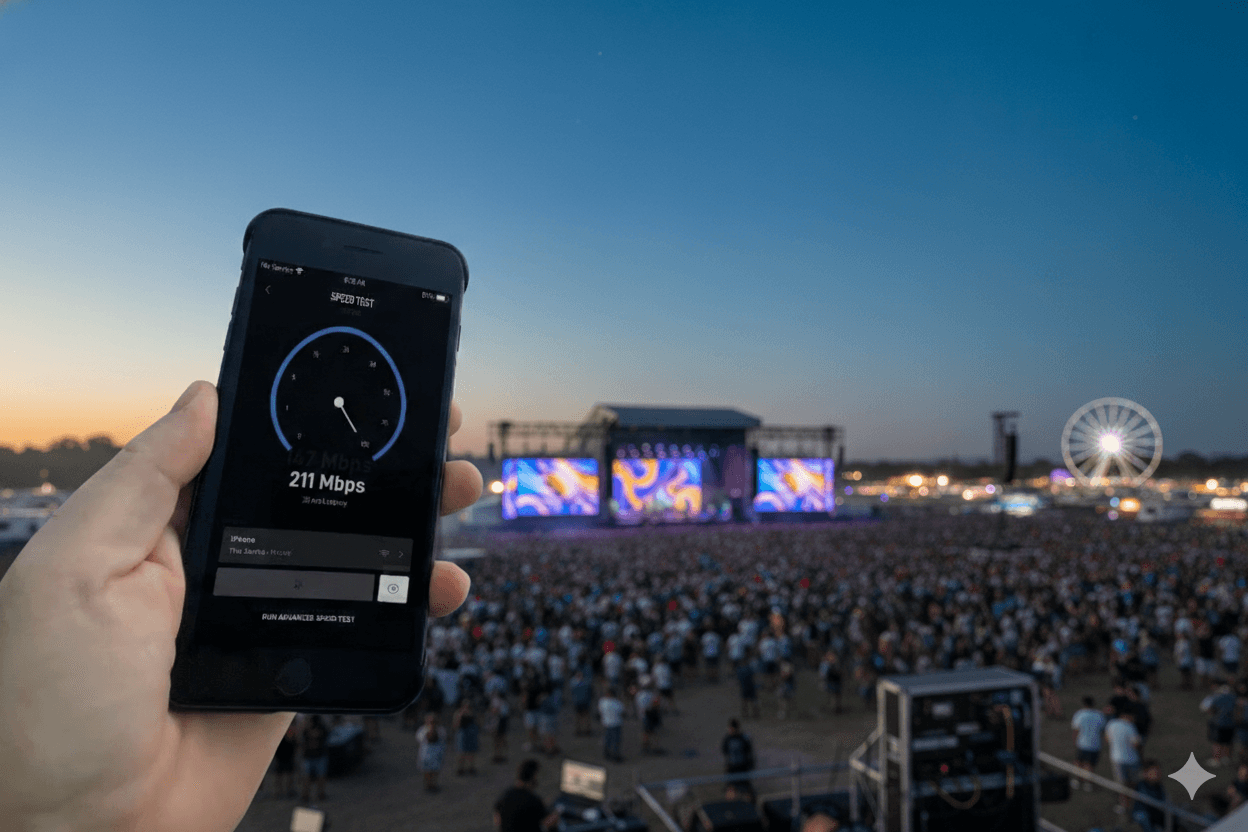
A 1080p stream to YouTube, Facebook, or Zoom needs roughly 5 to 8 Mbps of sustained upload. A 4K or multi-camera broadcast feed needs more. The number that matters is sustained, not peak: a connection that tests at 40 Mbps and dips to 2 when the crowd arrives drops the stream. We size the kit to hold the upload for the whole event.
Outdoors with open sky, Starlink. It delivers well above what a 1080p stream needs on an enterprise-priority plan, for $350 per week, and sets up in about 10 minutes. Indoors, or in a dense downtown where the dish has nowhere to go, bonded cellular at $1,500 per week. For a paid stream, a broadcast feed, or a sponsor's keynote, both together so there is no single point of failure.
A Starlink kit and a bonded cellular kit feeding one router. The stream computer plugs in by Ethernet. If a cloud bank or a crowd surge takes one path down, the router moves the traffic to the other path and the encoder keeps sending. We ran eight Starlink units with built-in redundancies for SiriusXM at a sold-out Army-Navy Game.
Yes, and you should. Every kit has Ethernet ports. The stream computer and the switcher go on a cable; phones and staff laptops go on Wi-Fi so they cannot interfere with the feed.
A full football game streamed in HD uses roughly 3 to 5 GB. A day of streaming plus staff devices is well inside the Starlink kit's included 50 GB. A multi-day or 24/7 broadcast is sized up front, and extra data blocks can be added mid-event.
Yes, these are common rentals. A field or a parking lot with open sky, a small generator or a power station, and the Starlink kit on its tripod. Most people are streaming within 10 minutes of opening the case, and tailgates and outdoor services are among our most frequent orders.
A shipped kit is supported remotely: we can see the unit, the field guide covers the common fixes, and the support line answers during show hours. For broadcasts that cannot fail, a PivotXP tech runs the network on site for a per-day line.
Kits ship the next business day after the contract is signed, timed to arrive before your test day. Ask for the kit a few days early and test the full stream from the actual spot; that is the single best thing you can do for show day.
Send the date, the site, and the encoder bitrate. You will have a quote today and a kit before your test day.