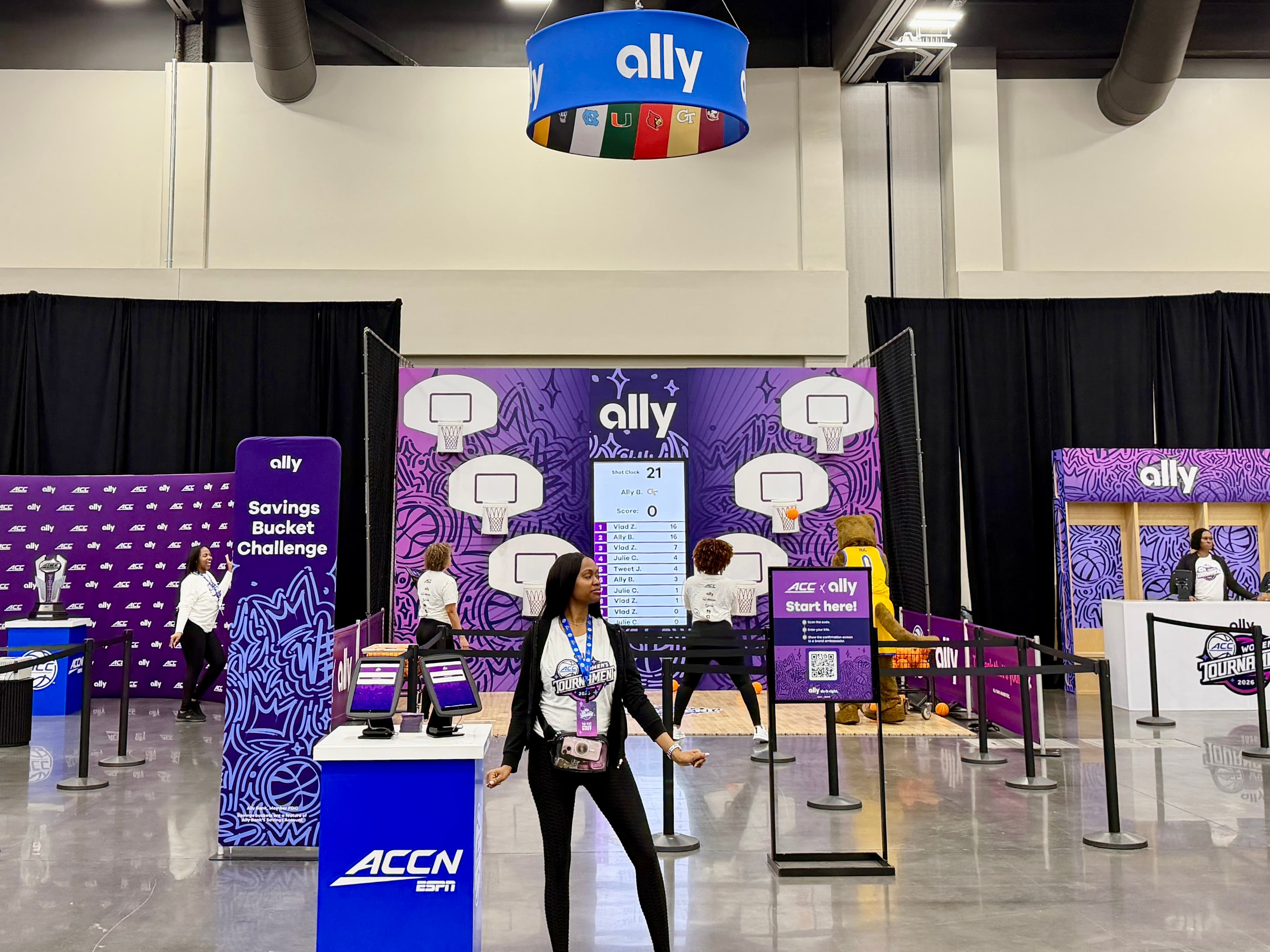
A trade show booth is a small office that has to work perfectly for three days in a building you do not control. The demos need internet. The lead capture needs internet. The screens pulling live content need internet. And the internet is the one thing the booth builder, the exhibit house, and the show's general contractor all assume someone else ordered. Here is how we handle it for the kiosk and demo-pod footprints we ship.
What the venue sells, and why it is not enough on its own
Convention centers sell hardwired drops and dedicated Wi-Fi through their exclusive provider, usually priced per day and often per connection, with an order deadline that closes before the show and a rate that jumps after it. The exhibitor Wi-Fi the show advertises is shared with every booth and every attendee. It is fine for checking email. It is not fine for seven demo kiosks that have to load the client's product at the same time the keynote lets out.
A hardwired drop, when it is ordered on time and terminates where the booth actually is, is a good primary connection. The problem is that it is one line, one provider, and one deadline. Our default is to bring a second path regardless.
The kit we ship with a booth
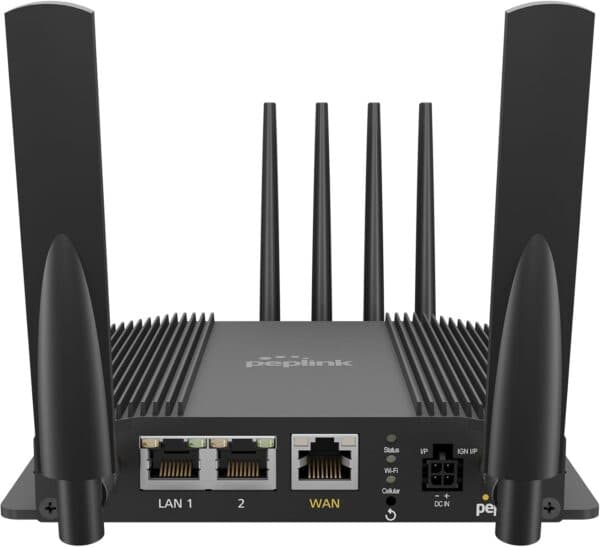
- A bonded cellular kit: two carriers combined into one connection with automatic failover, sized to the device count. It sits on a counter, plugs into an outlet, and does not care where the venue's drop was terminated.
- A small managed switch and short runs so the kiosks and screens are wired, not on Wi-Fi. Wired demo pods do not drop when three thousand phones arrive on the floor.
- A router configured so that if a venue drop exists, it is primary and the cellular kit is the backup, and if it does not, the cellular kit carries the booth on its own.
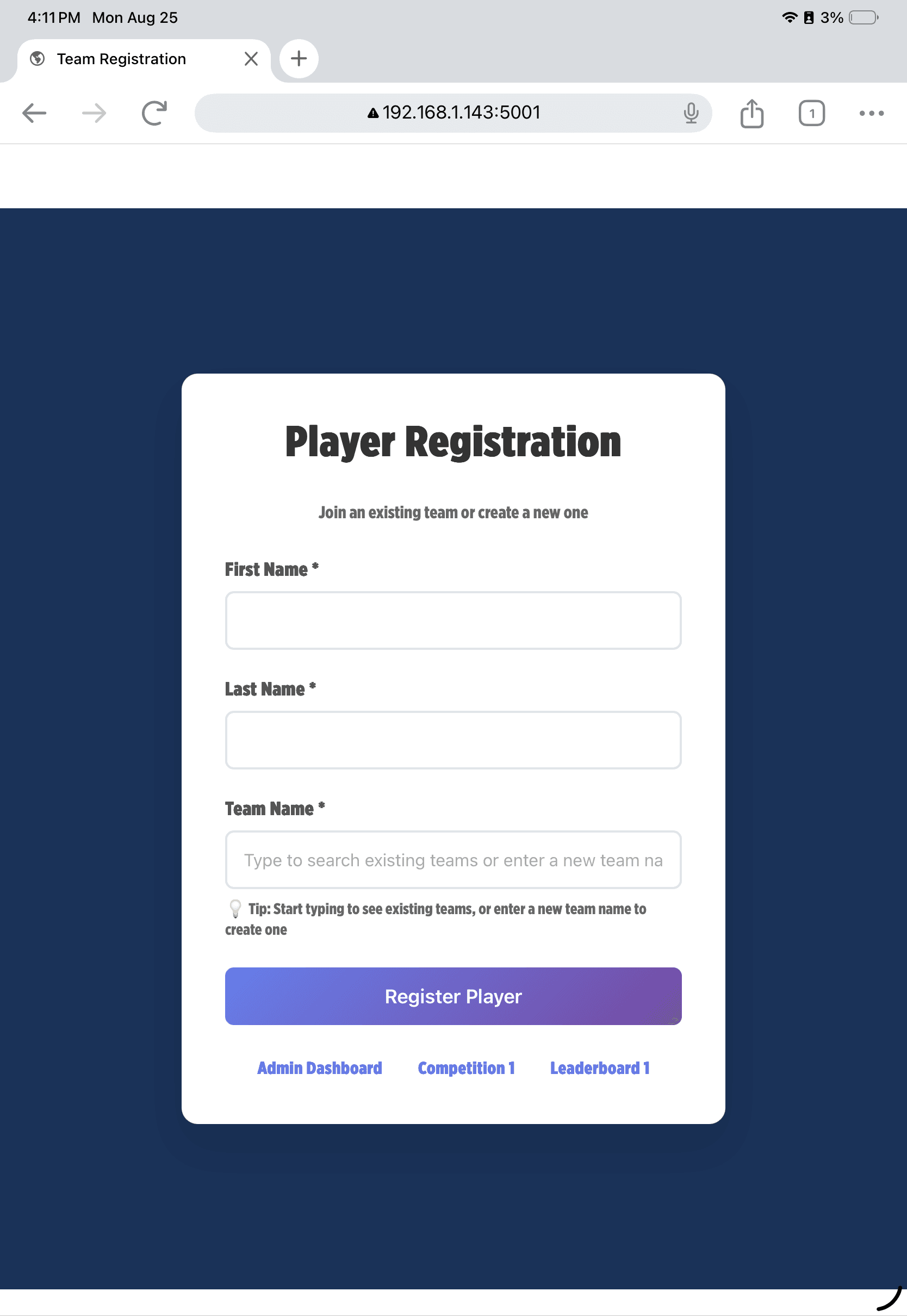
- Preconfigured kiosk images that boot into the demo, so there is nothing to download on the floor.
Count the devices honestly
Every screen, kiosk, tablet, badge scanner, and staff laptop is a device. A seven-kiosk demo footprint with two lead-capture tablets and a couple of laptops is roughly a dozen connections before anyone's phone joins. That number sets the router, the switch, and the data plan. Send it with the floor plan and we will size the kit; guess low and the last two kiosks are the ones that stall in front of the client.
When Starlink belongs at a trade show
Inside the hall, it does not; there is no sky. Outdoor pavilions, parking-lot activations, and demo vehicles outside the building are a different story, and a loading-dock window or a patio within a cable run of the booth occasionally makes it work. If any part of the program is outside, we will say so on the quote. Otherwise bonded cellular is the kit.
The timeline
- As soon as the booth is confirmed: order the venue drop if you want one, and send us the floor plan, the device count, and the load-in date.
- Contract signed: our kit ships the next business day, timed to arrive with the booth or at the advance warehouse.
- Load-in: power the kit first, wire the kiosks, take a test transaction or a test lead on every device. Do this before the carpet goes down, not the morning of.
- Show days: we can see the kit remotely and our support line answers during show hours. Most issues are a cable or a power cycle.
- Strike: everything goes back in the case with the prepaid return label.
If your booth has demos, lead capture, or anything a client will stand in front of, treat internet as part of the exhibit, not an afterthought. Send us the floor plan and the device count and you will have the kit, the price, and the backup path on one line-item quote the same day.