Custom Builds · Touchscreen Demo Kiosks · Built In House

Touchscreen Demo Kiosks That Report Back

A custom touch app on a display sized for the footprint, indoors or out in the weather. Guests tap through product content at their own pace, every tap lands in an analytics layer, and the client swaps content between stops without a developer on site. Proven formats go live in days.

Outdoor-ready
Sun, rain, dust, cold: displays rated for the footprint
Tap analytics
Which content, how long, by day and by stop
Swappable content
A manager the client updates between stops
Live in days
Proven formats; new mechanics in weeks
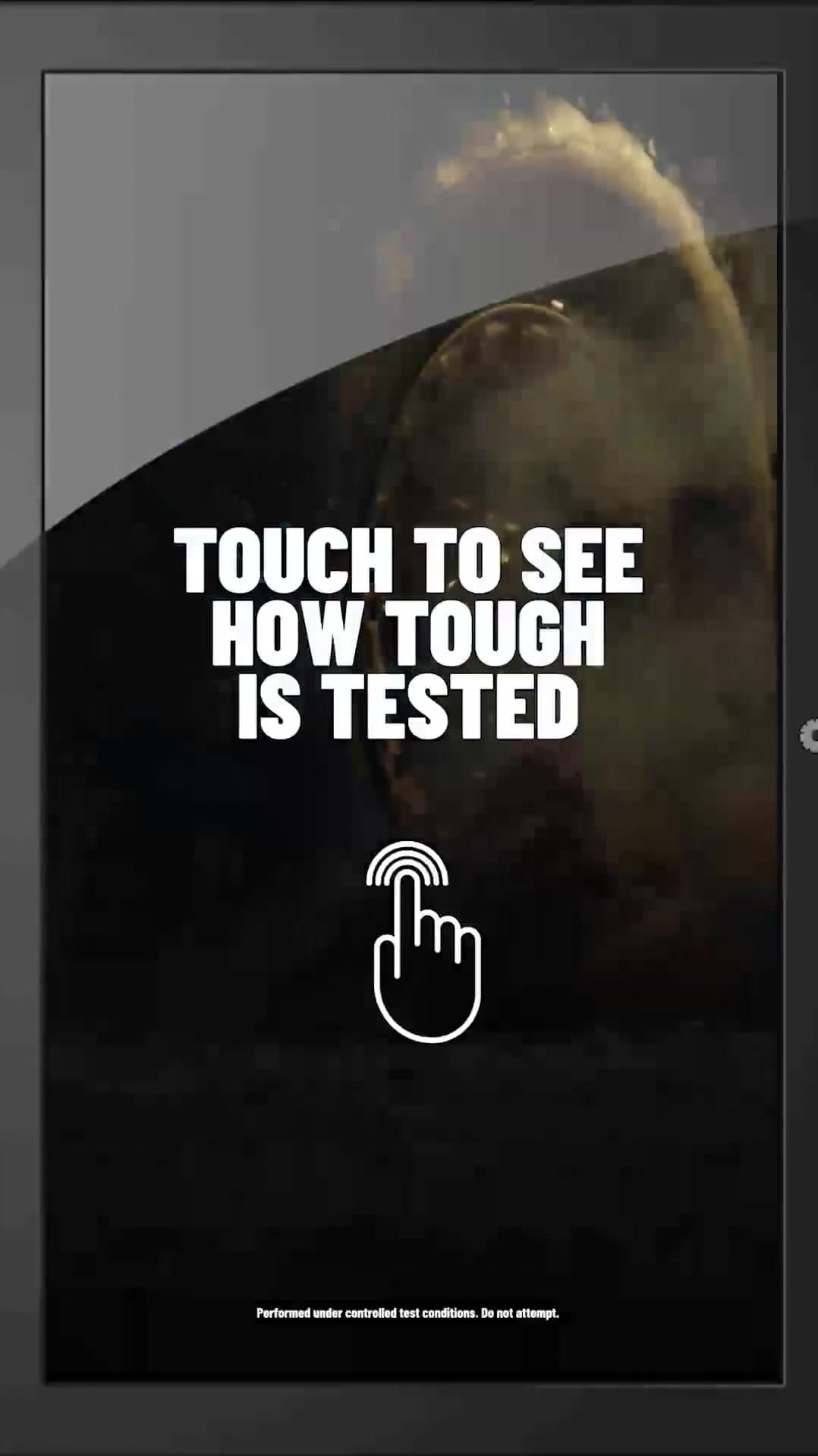
Polaris Touch to See How Tough Is Tested outdoor touchscreen display

What we built, with the numbers

Kiosks we built and what they measured

Each one is a custom app on hardware chosen for the venue. The numbers are the case study's own.

Touch to See How Tough Is Tested: Polaris Interactive Display Experience

Polaris

Build 01 · Multi-Venue Tour

Touch to See How Tough Is Tested: Polaris Interactive Display Experience

831,506
Seconds Watched
Custom
Touchscreen UI
On-Demand
Content Library

Built: A custom touch app on an outdoor-ready display that sat beside the vehicles on a multi-venue tour. Guests tapped and swiped through durability-test categories, played the footage they wanted, and read testimonials. Every tap fed analytics; content lived in a manager the client updated between stops.

Lesson: A kiosk with no analytics is signage. The tap data is what turns dwell time into a report the client can act on.

Read the case study →
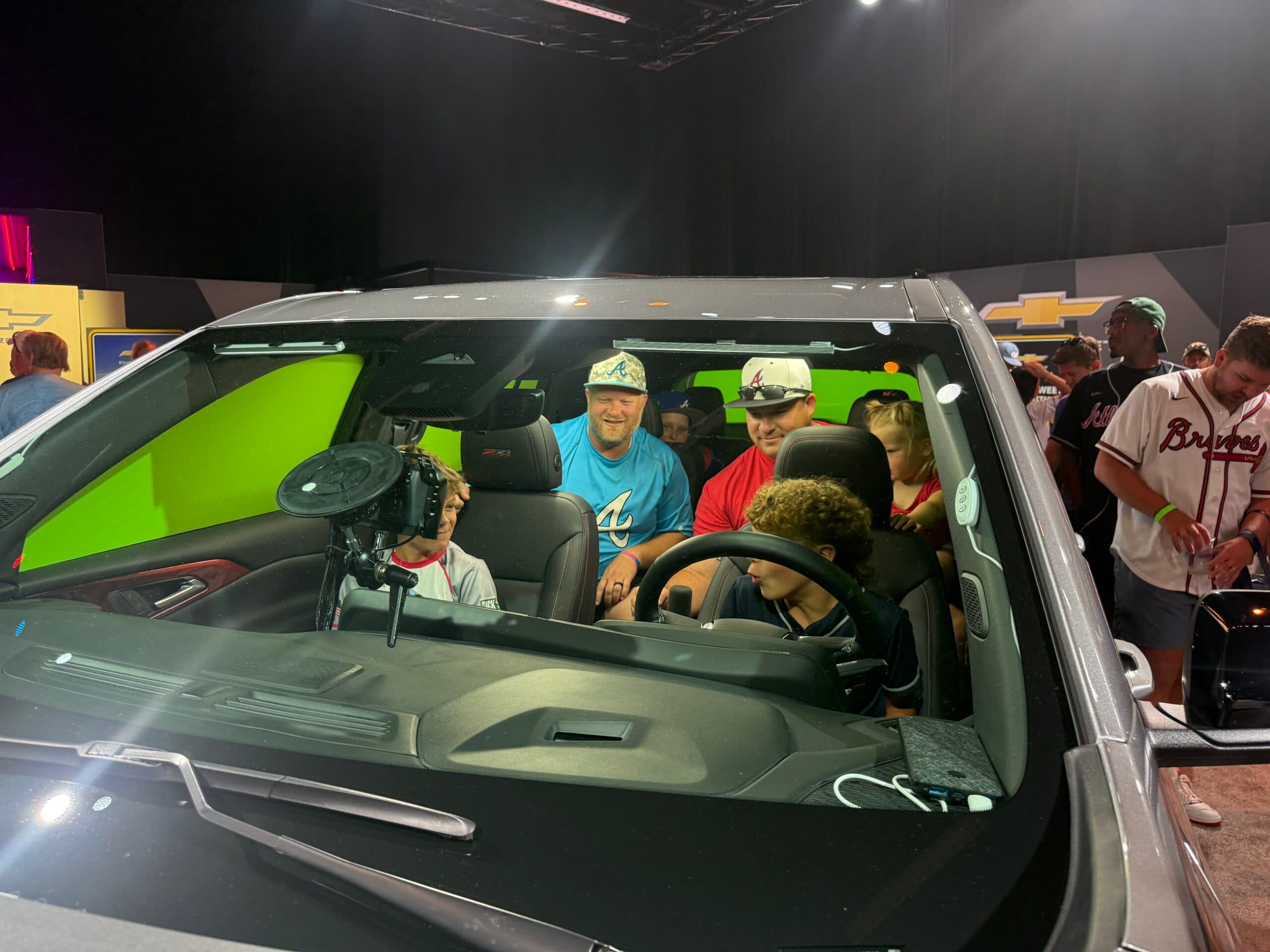
Chevy at the 2025 All-Star Game Fan Fest

Chevrolet — via Jack Morton

Build 02 · Atlanta — 2025 MLB All-Star Fan Fest

Chevy at the 2025 All-Star Game Fan Fest

2,856
Outputs Created
5 Days
MLB All-Star Run
RFID
Powered Footprint

Built: An AI baseball-card kiosk inside a five-day RFID footprint: one wristband tap opened the session, the kiosk captured the fan, rendered a personalized card, and delivered it to the same profile as every other activation in the space.

Lesson: Put the kiosk on the same registration as the rest of the footprint. One record per fan is what the client exports at the end.

Read the case study →
Stepping Up to the Plate: ACC Baseball Tournament Fan Experience

ESPN / ACCN

Build 03 · Charlotte, NC

Stepping Up to the Plate: ACC Baseball Tournament Fan Experience

Mobile
Pre-Registration In Line
Real-Time
Trading Card Render
Age-Aware
Delivery Logic

Built: Mobile pre-registration while fans stood in line, a unique QR per guest, and a kiosk that launched the moment the QR was scanned and rendered a personalized trading card in real time, with age-aware delivery logic.

Lesson: Move the typing out of the line. When the kiosk only has to scan and render, throughput doubles and the data is cleaner.

Read the case study →
Written in the Stars: WPP's AI-Powered CES Experience

WPP · Be The Machine

Build 04 · Las Vegas, NV · CES

Written in the Stars: WPP's AI-Powered CES Experience

3 Days
CES Run
AI-Powered
Artwork Generation
1-of-1
Every Output Unique

Built: A custom tablet interface at CES where guests entered a date and a place; a brand-tuned generative pipeline produced a one-of-one night sky in WPP's palette and sent it straight to the printer for a canvas bag.

Lesson: The screen is the easy part. The automatic handoff from input to output is the build.

Read the case study →

Kiosk formats we build most

Every one is custom to the client's content and brand guidelines. These are the shapes that keep coming back.

Product explorer

Tap through categories, play video, read specs and testimonials. Polaris-style, with a content manager the client owns and analytics on every tap.

Configurator and build-your-own

Options, colorways, and packages with a shareable result by text or email and a lead on every session.

Trading card, poster, and print kiosks

Capture, personalize from registration data, render in seconds, print on site or deliver by QR.

Tablet intake that drives an output

A guest enters a few fields on a tablet and a pipeline produces the physical thing: print, bag, badge, receipt.

Trivia and product quiz

Timed questions on the product line with a leaderboard; the booth staffer's talking points as a game.

Wayfinding and schedule boards

Large-format touch maps and agendas for conferences and fan fests, updated remotely.

What ships in the cases

  • The display: 32 to 75 inch touch panels, or outdoor-rated high-brightness units for footprints in the weather, with the stand or enclosure
  • The kiosk computer, preloaded, booting straight into the app and recovering on its own after a power cut
  • The custom touch app built to your art specs, never from a template, with a content manager the client can log into
  • Tap analytics: sessions, content viewed, dwell per screen, by day and by location, exported or live in the dashboard
  • Registration or RFID hooks when the kiosk is part of a larger footprint, so every session lands on a guest record
  • Printer, badge, or card hardware when the output is physical
  • Road cases, printed setup guide, setup video, remote diagnostics, and a support line for show hours

Venue internet unreliable? Pair the kiosk with a bonded cellular kit indoors or a Starlink kit outdoors so analytics and deliveries sync as they happen. The app itself runs offline.

How a build goes

  1. 1. Send the brief

    The content you have (video, specs, imagery), the footprint, indoors or out, dates, and what the client will judge it by: dwell, sessions, captures.

  2. 2. Line-item estimate, same day

    With a screen mockup in the client's brand when the kit allows.

  3. 3. Build and test

    Proven formats go live in days once content arrives. New mechanics get a clickable prototype first.

  4. 4. Ship or staff

    Cases ship with a guide and a video, or a PivotXP tech runs the first stop and hands off.

  5. 5. Redeploy

    New content, new dates, same build. A redeploy line, not a new build.

No templates. Ever.

Every deployment is a custom build for your company.
Your brand guidelines, not ours.

Nothing we ship is a product with your logo dropped on it. Each program is designed and built from scratch for the brand running it, by our in-house developers and fabricators, to the brand guidelines your marketing team already enforces. Your typefaces, your colors, your motion, your tone, your legal lines. Ours never appear.

Bring the brand guidelines to the kickoff call. No formal guidelines yet? We work from your logo files and website and send a style sheet for sign-off before the build starts.

Your typography and color system

We build to the brand book: approved typefaces, exact color values, logo clear space, and lockups. No near-miss colors, no fallback fonts.

Your voice on every screen

Start screens, prompts, consent language, share pages, and texts are written in your tone, then approved by your team before anything ships.

Your motion and sound

Transitions, idle loops, win states, and audio follow your motion and sound rules, or stay quiet if the brand says so.

Your legal and compliance lines

Official rules, disclaimers, age gates, and opt-in copy placed where your counsel wants them, word for word.

Your look on the hardware

Wraps, enclosures, and fabrication finished in the brand palette and materials. Nothing on the floor says PivotXP.

Your sign-off before it ships

You review a working build, not a mockup, and approve it against your guidelines before it goes on a truck.

Proof, not promises

The kiosk case studies

An outdoor product explorer with 831,506 seconds watched, an AI card kiosk inside an RFID footprint, and a QR-launched trading-card kiosk with in-line pre-registration.

All case studies

What’s on the quote

What's on a touchscreen kiosk quote.

No mystery line items. Every estimate is built from this list, so the client sees what the build covers and what is optional.

Every estimate is built from these same lines, so nothing shows up on the quote that you have not seen here. Send dates, city, and what you need and you will have a line-item estimate the same business day.

Custom kiosk software

The touch app, content manager, analytics, and admin panel, built to your art specs.

Display and kiosk hardware

Touch panel or outdoor-rated unit, stand or enclosure, kiosk computer, road cases. Day or program rate.

Print or physical output

Printer, media, cards, posters, or bags when the kiosk produces something physical. Priced per output type.

Registration or RFID integration

Hooks into the footprint's registration so sessions land on a guest record.

Connectivity

Bonded cellular or Starlink kit when venue internet is unreliable. The app runs offline either way.

Software redeploy for a returning program

New content, new dates, same proven build.

PivotXP tech on site

Optional, priced per day. Most kiosks ship and run without staff.

Shipping and travel

Quoted round trip; travel billed at cost only when we send a tech.

Lead times

How much runway each kind of project needs.

Kiosk or Starlink rental

Ships the next business day after the contract is signed, timed to arrive before your setup date.

Brand an existing kiosk

Days once your art arrives. Wrap art, overlays, share page, and AI creative. Art specs sent at kickoff.

Custom software build

Days for a proven format, a few weeks for something new. In-house developers, scenario-tested before it ships.

Hardware + software concept

Weeks, not months. Fabrication, sensors, cases, and software built together under one roof.

Clickable prototype for a pitch

Days. Enough to win the room before anything is built.

Tight timeline? Say so on the form. Rentals and returning programs move in days; we will tell you honestly what a new build can hit.

FAQ

Can the touchscreen live outdoors?+

Yes. We spec high-brightness, weather-rated displays and enclosures for footprints in sun, rain, dust, and cold, and we size the power accordingly. The Polaris display toured outdoors beside the vehicles for the whole program. Tell us the climate and we spec the unit.

What analytics do we get?+

Sessions, screens viewed, content played, dwell time per screen, and totals by day and by location, exported as a spreadsheet or live in the ExperientialOS dashboard. When the kiosk is tied to registration you also get the guest record behind each session.

Can the client update the content themselves?+

Yes. Every product explorer ships with a content manager the client logs into to swap video, imagery, copy, and categories between stops. No developer on site and no rebuild.

Does it need internet?+

No. The app runs locally and stores analytics on the machine, syncing when a connection is available. For live dashboards or instant deliveries we add a bonded cellular or Starlink kit.

How long does a kiosk build take?+

Proven formats such as a product explorer, a trading-card kiosk, or a trivia kiosk go live in days once content and brand assets arrive. A new mechanic with custom hardware takes weeks, not months, because our developers and fabricators are in house. A clickable prototype for a pitch takes days.

Can it print or produce something physical?+

Yes. Trading cards, posters, magnets, badges, receipts, and printed bags have all come out of our kiosks. The pipeline from input to printer is automatic so the line never waits on a designer.

Is this a template?+

No. Every build starts from a blank page and the client's brand guidelines. We send art specs at kickoff and build to them.

What does it cost?+

Every quote is built from the lines on this page: software, hardware, output, integration, connectivity, shipping, and optional staffing. Send the footprint, the content you have, and the dates and you will have a line-item estimate the same business day.

Have product content and a footprint? Send both.

Dates, venue, indoors or out, and the content you already have. You will have a line-item estimate and a screen mockup in the client's brand.